Connect Your NYT Account
Newswire can open New York Times articles as snapshots (stable, readable copies). To do that, it needs a NYT login session.
What “authorization” means in Newswire
Newswire does not ask you to prove your subscription separately. You simply sign in to NYT.
- If your NYT account has access to the article (subscription or other entitlement), snapshots will include the full content.
- If your account does not have access, you’ll see paywall/limited-preview behavior in snapshots as well.
Two ways to connect
Newswire supports two “connect” paths. You’ll typically use Desktop.
1) Newswire Desktop (recommended)
This is the cleanest flow if you’re using the macOS app.
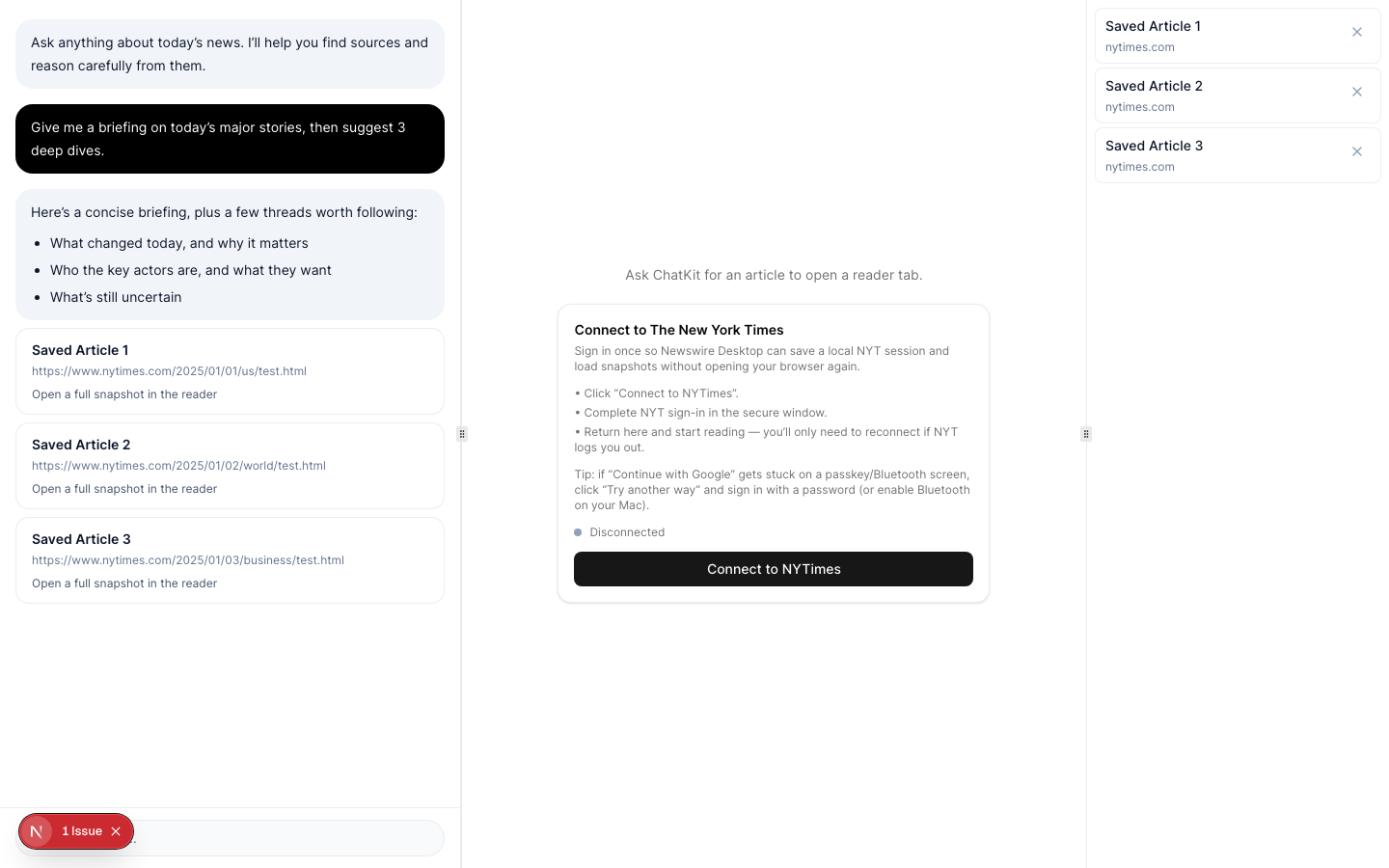
- In Newswire Desktop, click Connect NYTimes (person icon in the toolbar).
- Sign in in the secure window that opens.
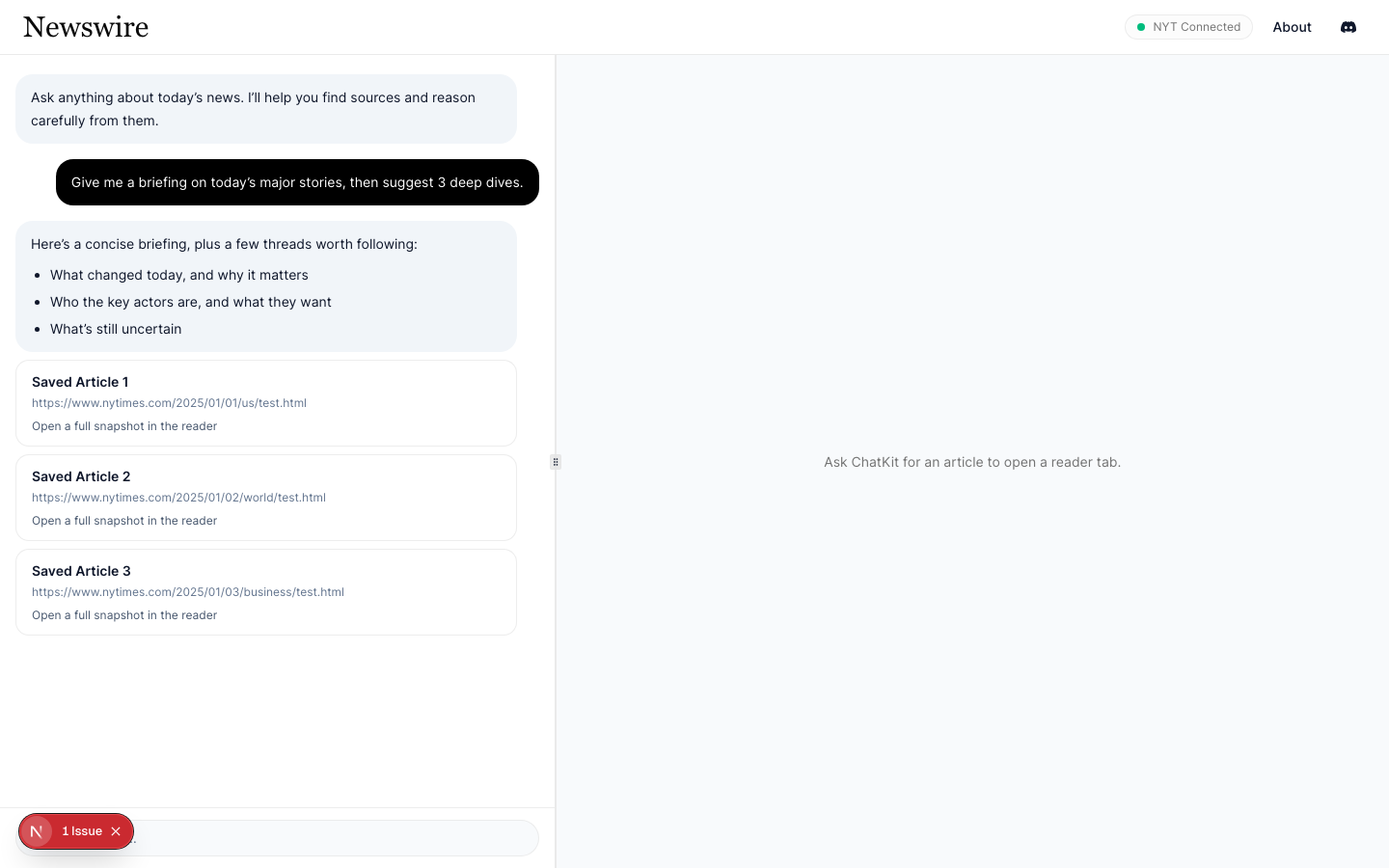
- Return to Newswire — you should see NYT: Connected.
Notes:
- If you use “Continue with Google”, you may hit passkey prompts. If it gets stuck, click Try another way and use a password method.
- Some passkey flows require Bluetooth. If prompted, enable Bluetooth in macOS.
What Newswire stores:
- Your NYT session is stored locally in the macOS WebKit cookie store used by Newswire Desktop.
- Snapshots captured in Desktop mode are stored locally first; the app may also upload snapshots depending on your beta configuration.
2) Newswire Connector (browser extension)
This is used when running the hosted UI in a normal browser.
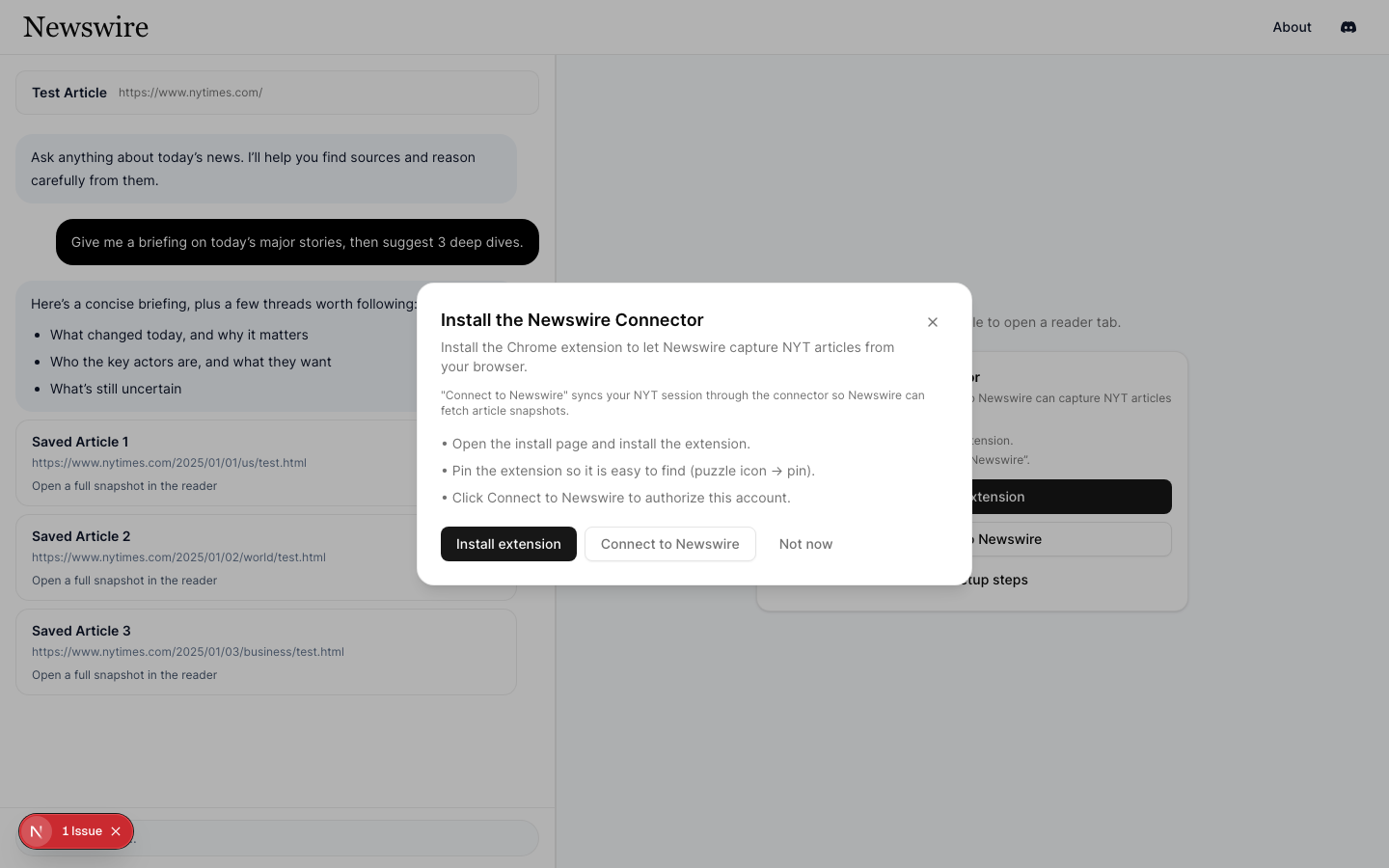
- Install the Newswire Connector extension.
- Open the Newswire UI and click Connect to Newswire.
- If the connector opens a NYT tab, complete sign-in.
- Return to Newswire while the connector syncs.
What the connector stores/sends:
- The connector gathers NYT cookies + localStorage (a Playwright-style
storage_state) and uploads it to Newswire so the backend can fetch snapshots on your behalf. - Authorization uses a short-lived connect token generated by Newswire.
Reconnecting and disconnecting
NYT sessions expire sometimes. If snapshots stop loading:
- Desktop: click Reconnect NYTimes.
- Connector: click Connect to Newswire again.
To fully disconnect, use the “Disconnect NYTimes” action in the Desktop app (or remove/disconnect the extension).
Troubleshooting sign-in
- “Stuck on passkey/Bluetooth”: enable Bluetooth, or choose a password fallback.
- “Connected but snapshots fail”: you may be logged in without subscription access to that article, or NYT may have logged you out—reconnect and try again.
If you’re still stuck, see Troubleshooting and include diagnostics when reporting issues.