Reading List
The Reading List is a lightweight “save for later” panel.
What it’s for
- Keep a short list of articles you want to return to
- Compare coverage over time
- Build your own context and references as you work through a topic
How to add an article
- Drag an open article tab into the Reading List panel.
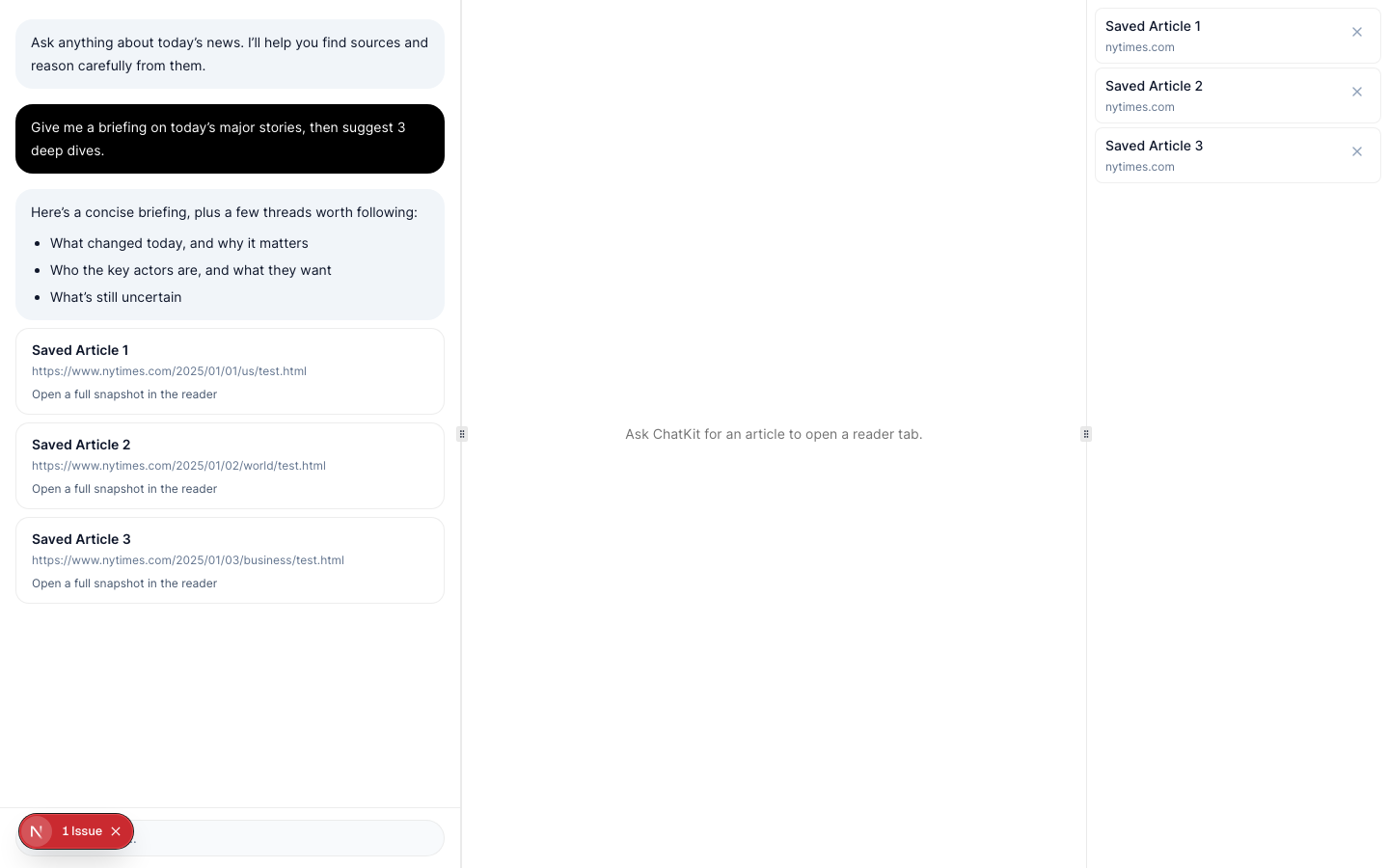
Open and remove
- Click an item to reopen it in a tab.
- Click the remove icon to delete it from your list.
Removing items
During beta, you can remove items you no longer want to track.