Snapshots
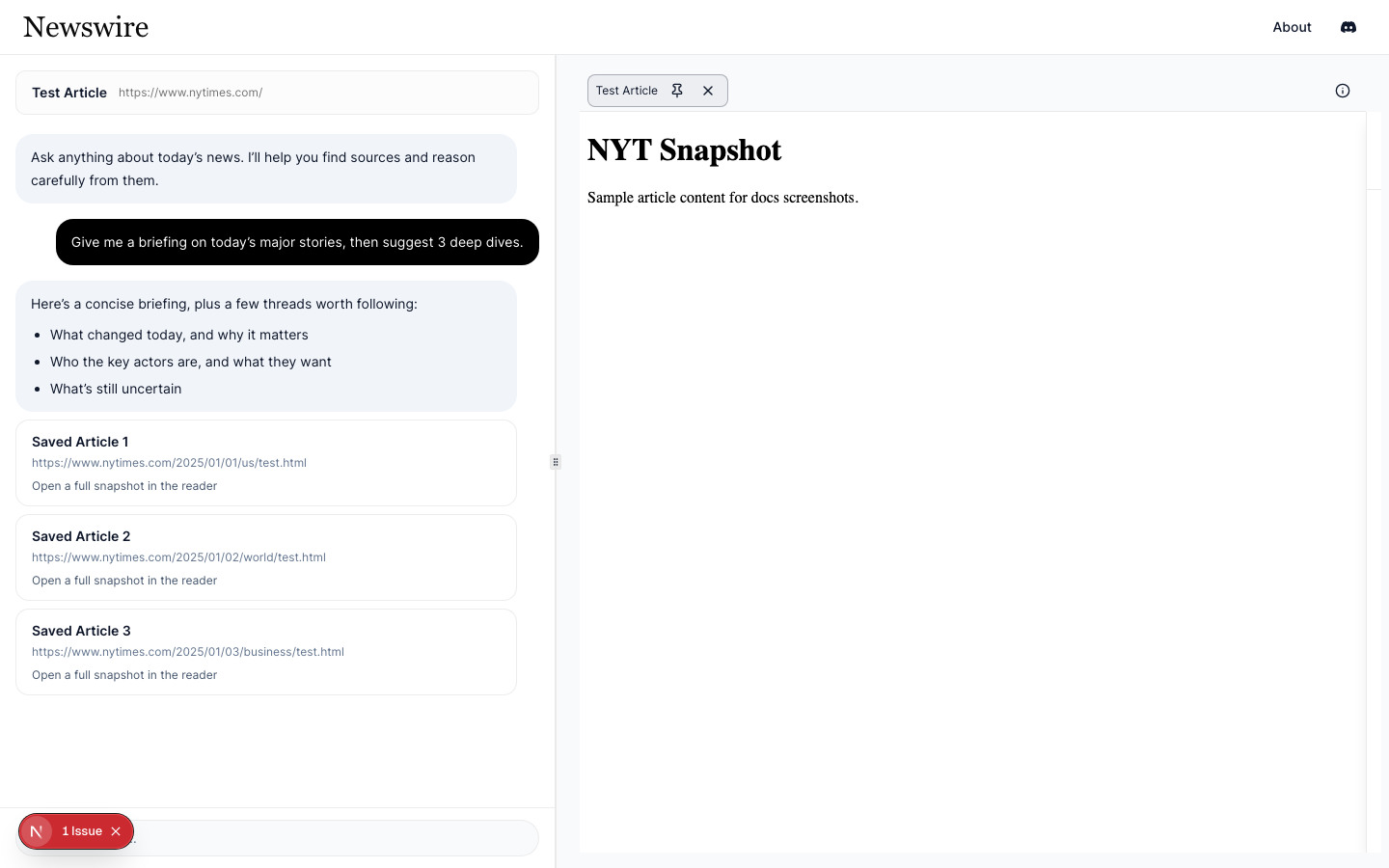
Snapshots are “frozen” versions of an article that Newswire can render reliably.
In practice, snapshots let you read without broken scripts, shifting paywalls, or constantly changing layouts.
Why snapshots exist
Web pages change. Articles can be updated, paywalls can shift, and scripts can fail. A snapshot gives you a stable artifact that:
- renders consistently in the reader
- can be cached for faster access later
- can be processed for downstream workflows (e.g., embeddings)
How to open a snapshot
- Ask Chat for an NYT article, then open it in a tab.
- If you’re prompted to connect NYT, follow Connect Your NYT Account.
- Newswire loads a snapshot into the reader canvas.
What is stored
A snapshot includes the HTML needed to render the article in Newswire, plus optional metadata (title, author, etc.).
What can go wrong
- If you’re not connected, Newswire can’t fetch snapshots. Reconnect.
- If NYT changes something (bot checks, paywall behavior), snapshot capture may fail temporarily.